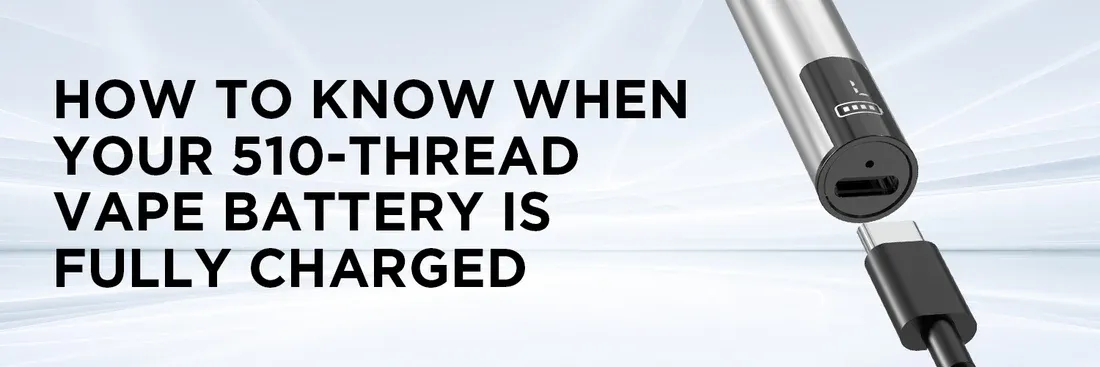
- The charger either switches to green, turns off, or stops sending power.
- The battery cools down (mild warmth while charging is normal, but it fades once fully charged).
- If you plug the fully charged battery back in, the LED flashes green/white briefly to confirm it's topped up.
- Pressing the activation button gives a strong, steady light, showing stable power.
- 300–400 mAh: 45–60 minutes (USB-A) or 30–45 minutes (USB-C)
- 400–650 mAh: 60–90 minutes (USB-A) or 45–60 minutes (USB-C)
- 650–1000 mAh: 90–120 minutes (USB-A) or 60–90 minutes (USB-C)
- Solid red: Charging (low to medium power)
- Blinking red: Critically low battery—charge right away
- Solid green/white: Fully charged and ready to use
- Blinking green/white: Connection problem (battery, charger, or cartridge isn't seated properly)
- No light: Not charging—something's wrong with the setup
- Clean the 510 threads with an alcohol-wiped cotton swab to remove any dirt or residue.
- Try a different cable, charger, or power source to rule out any faulty parts.
- Make sure the battery is securely placed in the charger.
- Check for thread damage or a defective cartridge (remove the cartridge to test the battery alone).
- Charge at room temperature—extreme temperatures slow charging.
- Unplug immediately after a full charge to avoid overcharging.
- Avoid running the battery down to zero—recharge once it's down to about one-quarter power.
- Wipe the 510 thread regularly to keep it clean.
- Store in a cool, dry place—avoid sunlight or humidity.
- Only use chargers approved by the manufacturer.
Education